
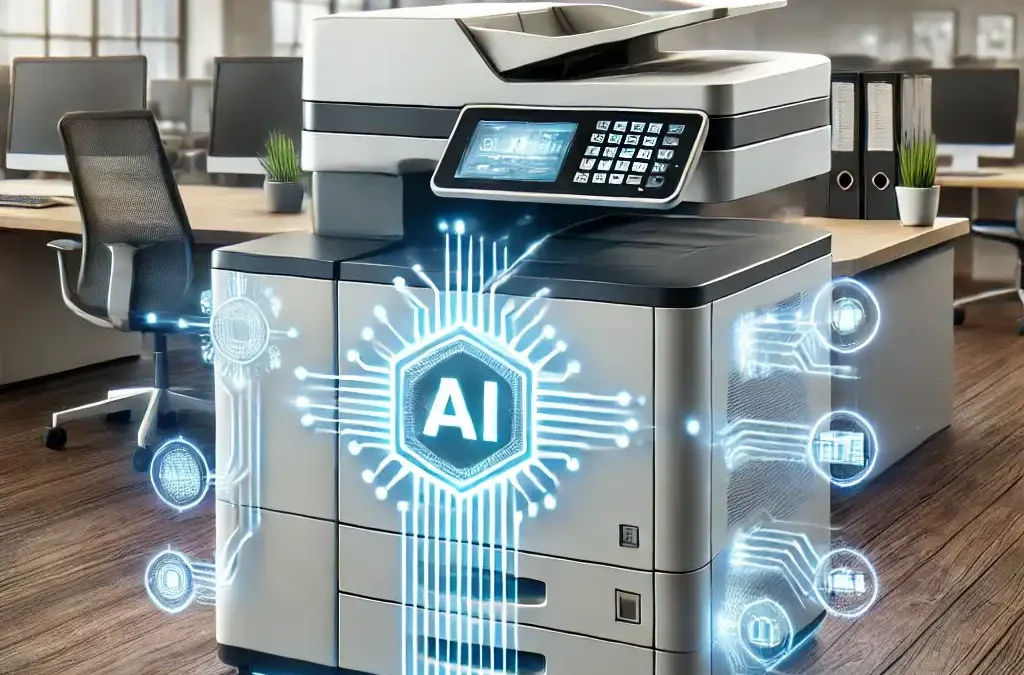
Artificial Intelligence (AI) isn’t just for robots and sci-fi movies anymore. It’s now making waves in places you’d never expect—like your copier and printer. That’s right, AI has entered the world of office equipment, and the impact is nothing short of revolutionary. From predictive maintenance to smart workflows, copier and printer vendors are turning machines into intelligent office assistants.
TL;DR
AI is turning modern copiers and multifunction printers into smarter workplace tools. Depending on the device and software platform, AI can help automate document workflows, summarize and classify scanned information, optimize print settings, support predictive maintenance and reduce repetitive work. The opportunity goes beyond faster printing: intelligent office technology can help businesses connect paper and digital workflows more efficiently while giving employees more time to focus on higher-value work.
Here’s a peek into what AI-powered copiers and printers can do for your business:
1. Predictive Maintenance
No one likes the surprise of a malfunctioning copier in the middle of a busy workday. AI helps your machine predict when a part is about to fail, giving you time to schedule maintenance before you’re left high and dry. Less downtime, more productivity. Sounds pretty heroic, right?
2. Automated Workflows
Manually sorting through hundreds of scanned documents is yesterday’s problem. Today’s AI copiers are capable of recognizing document types, sorting them automatically, and even sending them to the correct department or employee. It’s like having an extra set of hands in the office—except smarter.
3. AI and Security: Smarter Tools Still Need Strong Protection
AI can help automate document handling and identify workflow patterns, but device security still depends on proven protections such as user authentication, encryption, firmware security, secure print release and network controls. When evaluating AI-enabled office equipment, businesses should consider both intelligent features and the underlying security architecture.
4. Smart Resource Management
Think you’re using too much toner or paper? AI can help optimize resources by learning your usage patterns and recommending ways to cut waste. It’s sustainability on autopilot.
5. Ways AI Is Changing the Modern Copier
1. Smarter document processing
AI can recognize, summarize, classify and transform scanned information.
2. Automated workflows
Documents can move from paper into digital business processes with fewer manual steps.
3. Intelligent print optimization
AI-assisted technology can help improve formatting and reduce unnecessary pages or supplies.
4. Predictive service and support
Usage and equipment data can help identify problems earlier and reduce unexpected disruption.
5. Personalized workplace experiences
Some systems can learn frequently used settings or workflows and make routine tasks easier.
Why AI in Your Copier/Printer Is a Game-Changer:
AI doesn’t just make your office run smoother—it gives you the competitive edge. By automating tedious tasks and optimizing machine performance, your team has more time to focus on what really matters: growing your business.
Smart Technology Is Only Valuable When It Solves the Right Problem
Not every business needs every new AI feature. The real question is where intelligent technology can remove friction, simplify workflows and give your employees time back.
Bishop Business helps organizations evaluate copiers, printers and digital workplace technologies based on how people actually work—not simply on the latest feature list.
Your Workplace Working Better. Since 1954.
Contact the Bishop Enterprise Solutions Team today to learn how evolving technology can transform how your office equipment can work for you!
Frequently Asked Questions About AI-Powered Copiers and Printers
How is AI used in modern copiers and printers?
AI can support functions such as document recognition, workflow automation, scan processing, predictive maintenance, intelligent print optimization and user-specific workflow recommendations. Capabilities vary by manufacturer and device. Xerox, for example, offers AI-assisted multifunction printers that can summarize documents, convert handwritten notes and automatically redact sensitive information.
Can AI help automate document workflows?
Yes. AI-assisted systems can recognize and process documents, extract or classify information and help route information into digital workflows. This can reduce the amount of manual sorting and data handling employees perform.
Can AI-powered printers reduce wasted paper and toner?
Some AI-enabled print technologies can optimize formatting and remove unnecessary material before printing. HP currently promotes AI features that can clean up web content, reduce wasted pages and minimize unnecessary ink or toner usage.
Can AI improve document scanning?
Yes. Newer AI-enabled systems can do more than create a basic scanned PDF. Depending on the platform, they can generate searchable or editable files, summarize documents, create file names and subject lines, or convert scanned material into editable office documents.
Can AI help reduce copier downtime?
AI and predictive analytics can help identify usage patterns, detect potential problems and support proactive maintenance before certain issues become disruptive. The specific capabilities depend on the device, manufacturer and service platform.
Are AI-powered copiers secure?
AI capabilities do not eliminate the need for traditional device security. Businesses should still evaluate encryption, authentication, firmware protection, network security and access controls. AI-assisted workflow features should be considered part of the broader security strategy, not a substitute for it.