
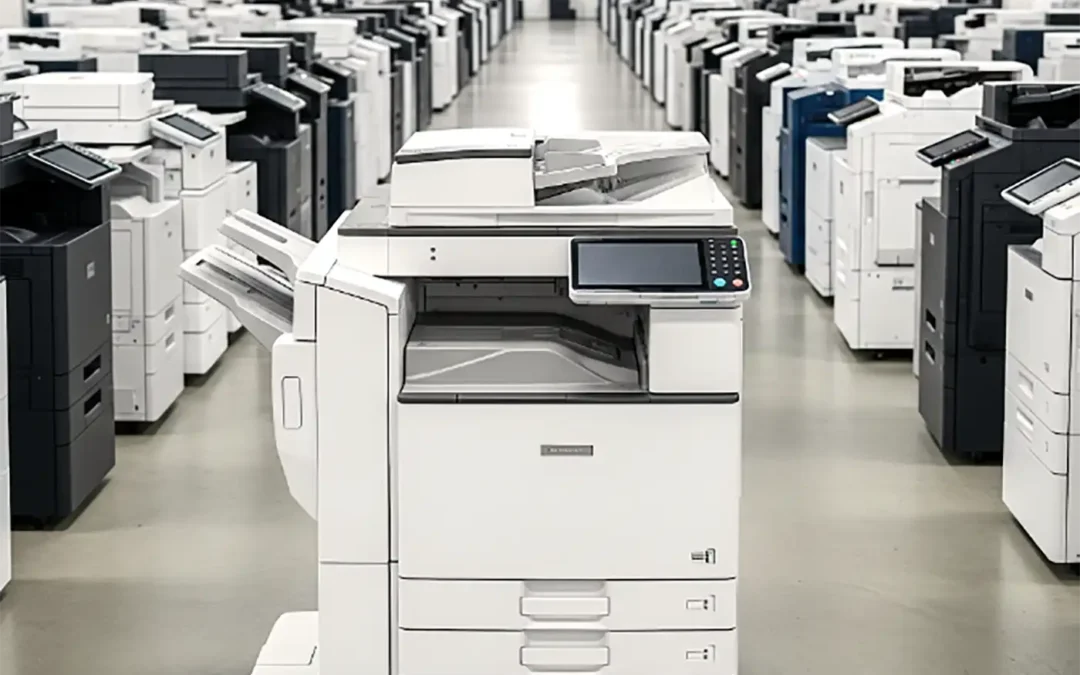
In 2025, an office copier is far more than a simple duplicating machine. It's a central hub for document management, a key component of your digital workflow, and a significant investment. Navigating the myriads of features, speeds, and brands can be daunting. This guide will help you cut through the noise and make an informed decision, ensuring your next office copier truly empowers your business.
TL;DR
Choosing the right office copier starts with understanding how your team actually works. Evaluate your monthly print volume, required print speed, scanning and workflow needs, security features, mobile and cloud connectivity, and total cost of ownership—not just the purchase price. A properly sized multifunction copier can improve productivity, reduce downtime and control long-term costs. Bishop Business can help businesses compare equipment, service and support options to find the solution that best fits their workplace.
Essential Features: Beyond Basic Copying
Modern office copiers are feature-rich multifunction devices (MFDs) designed to streamline operations. Here are the must-have features to look for in 2025:
- Automatic Duplexing: This is non-negotiable. Duplexing allows for automatic two-sided printing and scanning, saving paper and time. It's a standard feature on virtually all business-grade copiers today.
- Advanced Scanning Capabilities: Beyond simply digitizing documents, look for:
- Scan-to-Email/Folder/Cloud: Seamlessly send scanned documents directly to email addresses, network folders, or cloud storage platforms like Google Drive, Dropbox, and Microsoft 365. This is critical for modern, paperless workflows.
- Optical Character Recognition (OCR): Convert scanned images into editable and searchable text documents, eliminating the need for manual data entry.
- Automatic Document Feeder (ADF): Essential for scanning or copying multiple pages at once, boosting efficiency for large jobs.
- Network Connectivity & Mobile Printing: In today's hybrid work environment, wireless connectivity (Wi-Fi) and mobile printing capabilities (Apple AirPrint, Microsoft Universal Print, Wi-Fi Direct and manufacturer-supported mobile printing apps) are essential. Employees need to print from anywhere, on any device.
- Robust Security Features: As MFDs are essentially networked computers, data security is paramount. Look for:
- User Authentication: Restrict access to sensitive documents with PINs, card readers, or even biometric authentication.
- Data Encryption & Hard Drive Wiping: Protect data stored on the copier's hard drive and ensure sensitive information is erased securely.
- Secure Print Release: Hold print jobs until the user is physically at the machine to release them, preventing unauthorized access to confidential prints.
- Workflow Customization & Automation: The best copiers can be tailored to your specific needs. Look for options to create custom shortcuts, automate repetitive tasks (e.g., scan a document and automatically route it to a specific department's cloud folder), and integrate with business applications.
- Eco-Friendly Functions: Many modern copiers prioritize sustainability. Look for energy-saving modes, toner-saving options, long-life components, and manufacturer recycling programs.
Speed and Volume: Matching the Machine to Your Workload
Choosing the right speed and volume capacity is crucial to avoid bottlenecks and premature wear.
- Speed (Pages Per Minute - PPM): This refers to how many pages the copier can print or copy in a minute.
- Small Offices (low volume): 20-30 PPM might suffice.
- Mid-sized Offices (moderate to high volume): Aim for 40+ PPM.
- Large Offices/Departments (high volume): Consider machines with 60-80+ PPM.
- Volume (Monthly Duty Cycle vs. Recommended Monthly Print Volume):
- Check existing usage: The most accurate method is to review your current copier's meter reads or service invoices to see your actual monthly page count.
- Estimate paper consumption: If usage data isn't available, count how many reams of paper (typically 500 sheets) your office uses per month.
- Consider peak periods: Factor in any seasonal or project-based spikes in printing.
- Monthly Duty Cycle: The maximum number of pages a machine can handle in a month without significant risk of breakdown. This is usually a theoretical maximum.
- Recommended Monthly Print Volume: This is a more realistic figure, typically around 10-20% of the duty cycle, indicating the manufacturer's suggested optimal usage.
- How to Calculate Your Needs:
It's always better to choose a copier with a slightly higher recommended monthly volume than your current needs to accommodate future growth and prevent overworking the machine.
Reputable Brands in 2025
The office copier market is dominated by several well-established brands known for their reliability, innovation, and support. While specific models vary, some of the consistently top-rated brands include:
- Canon: Known for high-quality output, robust features, and strong cloud integration.
- Xerox: Often praised for advanced workflow automation, security features, and user-friendly interfaces.
- Kyocera: Recognized for cost-effectiveness, durable long-life components, and strong eco-friendly initiatives.
- Ricoh: Offers a wide range of devices with reliable performance and excellent customer support.
- HP: Strong contenders, particularly for secure printing and integrating with existing IT infrastructures.
- Sharp: Known for intuitive touchscreens and robust security features, especially in mid-sized models.
When considering a brand, look beyond the name to specific models that align with your needs and check recent reviews from businesses like yours.
Total Cost of Ownership (TCO): The True Price Tag
The initial purchase price is just one piece of the puzzle. Understanding the Total Cost of Ownership (TCO) is essential for making a financially sound decision. TCO includes:
- Initial Purchase/Lease Cost: The upfront cost or monthly lease payments. Leasing can offer flexibility and easier upgrades, but ensure you understand all terms and conditions.
- Consumables:
- Toner/Ink: This is a significant ongoing cost. Compare toner yields and prices per page.
- Paper: While seemingly minor, paper costs add up, especially with high volume.
- Maintenance & Service:
- Service Agreements: Often highly recommended, these agreements cover parts, labor, and sometimes even consumables, offering predictable costs and minimizing downtime.
- Ad-hoc Repairs: Without a service agreement, individual repairs can be costly (e.g., $50-$200 per repair, plus parts like maintenance kits or drum cartridges that can cost hundreds).
- Labor Costs: These vary by region, so factor in local service rates.
- Energy Consumption: Newer models are more energy-efficient, leading to lower utility bills.
- Downtime Costs: Consider the productivity loss if your copier is frequently out of service. A reliable machine with prompt service minimizes this hidden cost.
When evaluating TCO, ask potential providers for a detailed breakdown of all associated costs over the anticipated lifespan of the copier. Sometimes, a slightly more expensive upfront machine can offer significant savings in consumables and maintenance over time.
Choosing the right office copier in 2025 is a strategic decision that impacts productivity, security, and your bottom line. By carefully considering features, speed, volume, reputable brands, and the comprehensive total cost of ownership, you'll be well-equipped to select a machine that truly serves your business needs.
And when you're ready to make that informed decision, remember that getting the right equipment and support is crucial. So, if you're in the market for a copier that truly gets "Your workplace, working better," you will find Bishop Business has a solution that prints perfectly for your business.
Frequently Asked Questions About Choosing an Office Copier
How do I choose the right office copier for my business?
Start by evaluating your monthly print volume, required print speed, color needs, scanning requirements, security features and workflow integrations. Then compare the total cost of ownership, including equipment, toner, service, maintenance and expected downtime.
How many pages per minute should an office copier print?
Smaller offices may be well served by approximately 20–30 pages per minute, while medium-volume offices may benefit from 40+ PPM. High-volume departments may need 60–80+ PPM depending on workflow demands. The right speed depends on actual usage rather than office size alone. The existing article already provides similar ranges.
What is more important: copier duty cycle or recommended monthly print volume?
Recommended monthly print volume is usually the more useful number when selecting equipment. Duty cycle represents the machine's theoretical maximum capacity, while recommended volume reflects the workload the manufacturer considers appropriate for regular operation.
What should be included in the total cost of owning a copier?
Total cost of ownership should include the purchase or lease payment, toner and consumables, maintenance, service agreements, energy use and the potential productivity cost of equipment downtime.
Should I lease or buy an office copier?
Buying can provide long-term ownership and eliminate lease payments, while leasing can preserve cash flow and make technology upgrades easier. The better option depends on the company's budget, technology cycle and anticipated equipment usage.